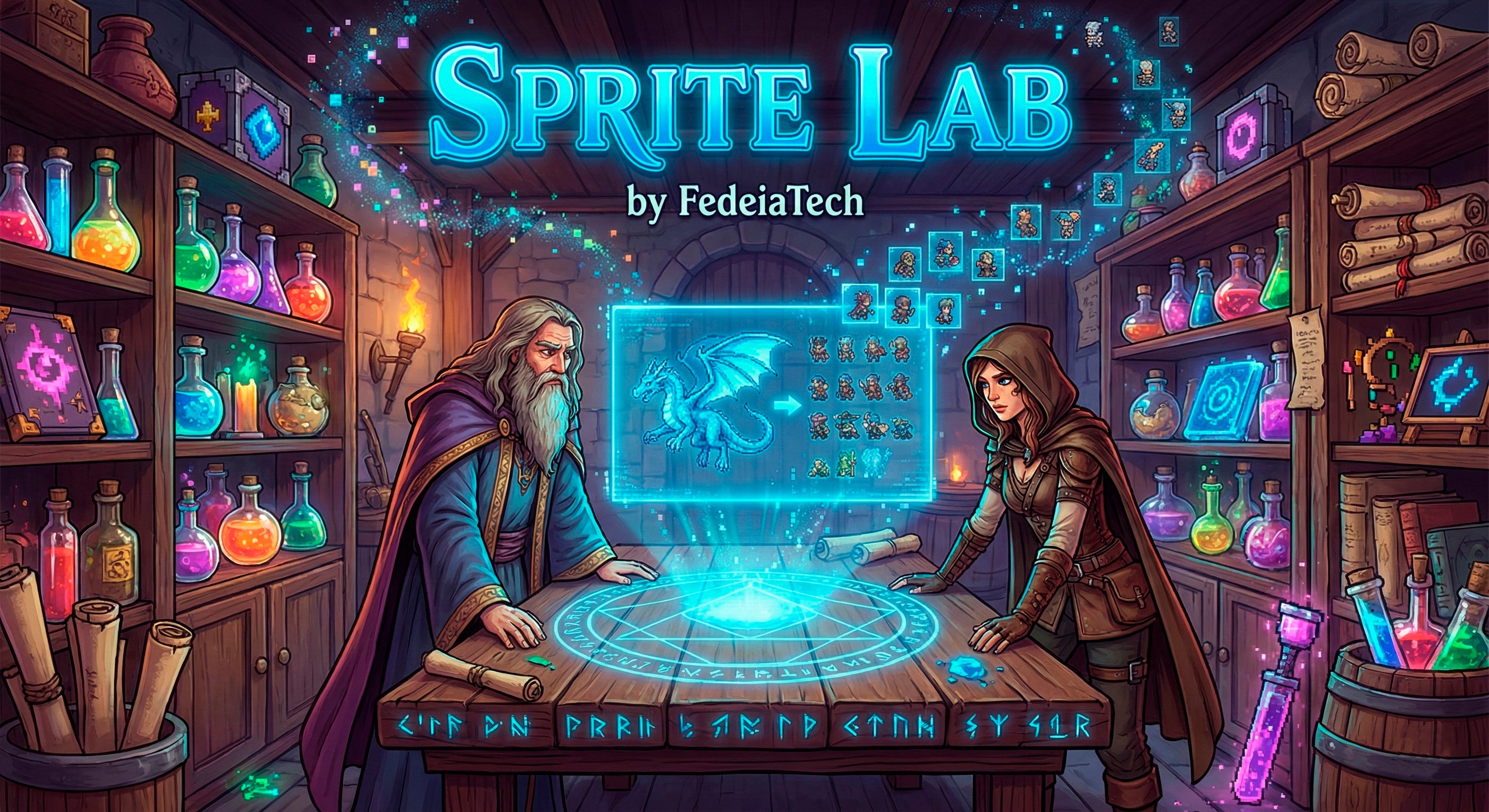
Sprite Lab 🧪 - Universal 2D Sprite Sheet Generator - lastest V0.4
A downloadable tool for Windows
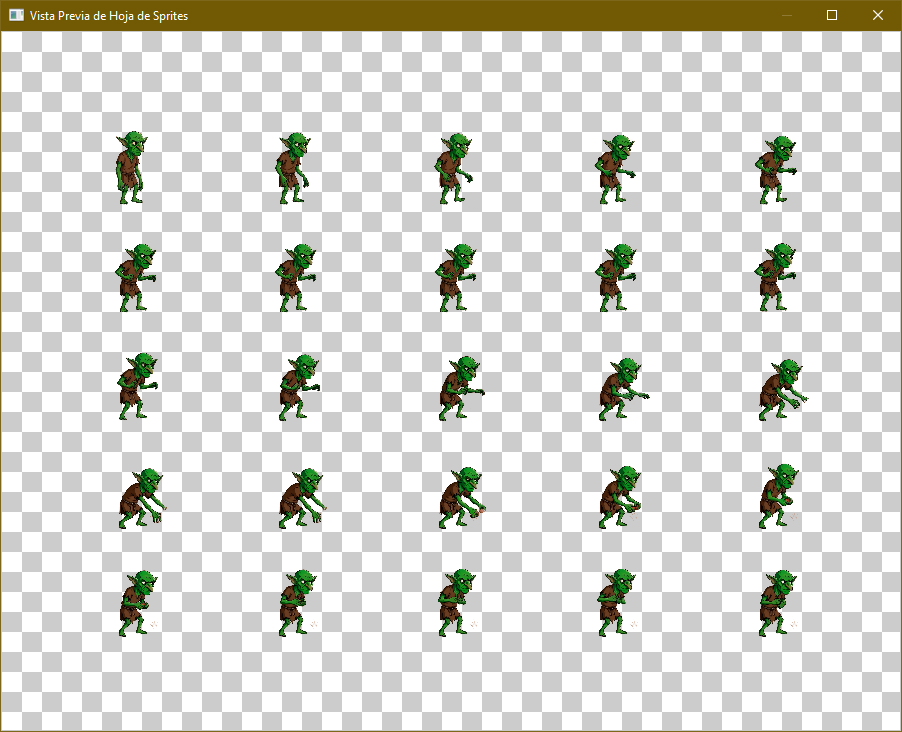
Sprite Lab is the ultimate tool for indie developers who want to transform video animations into optimized 2D Sprite Sheets. Perfect for Godot, Unity, and Unreal Engine.
Key Features
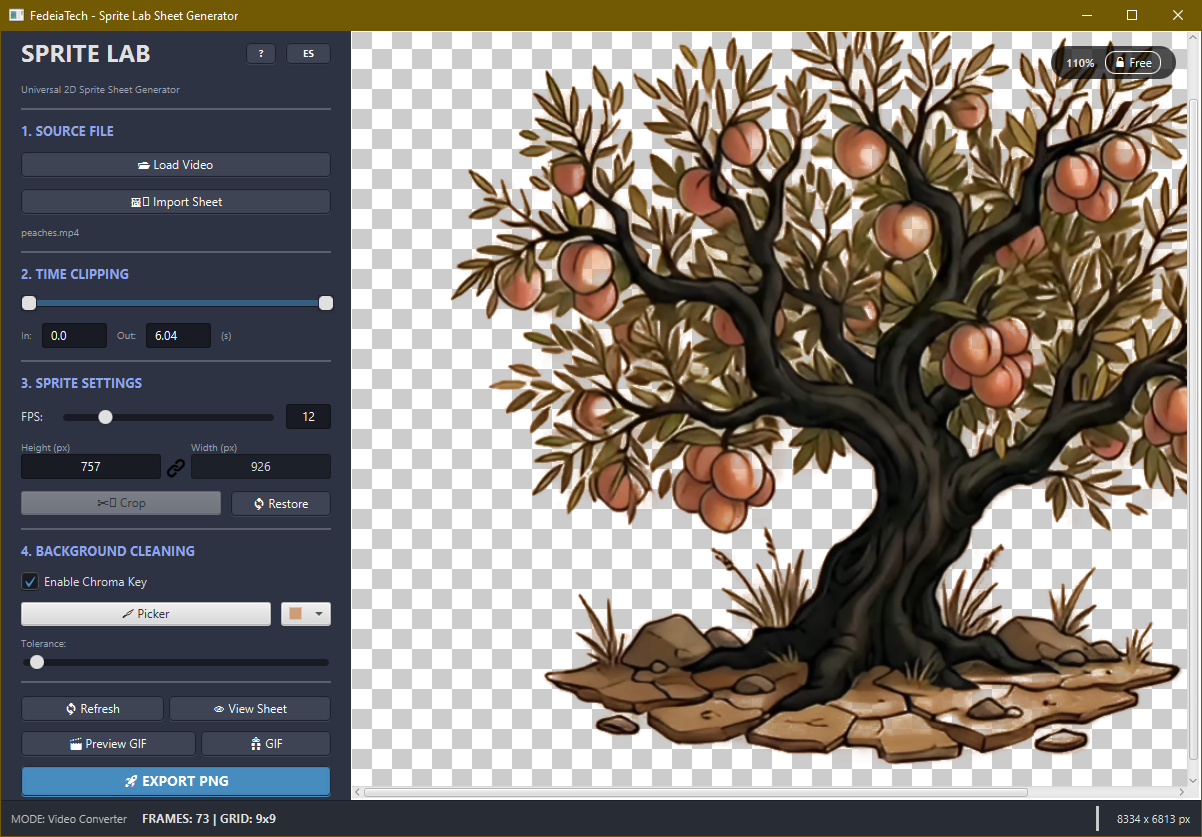
- Smart Chroma Key: Remove background colors with a high-precision Eyedropper and adjustable tolerance.
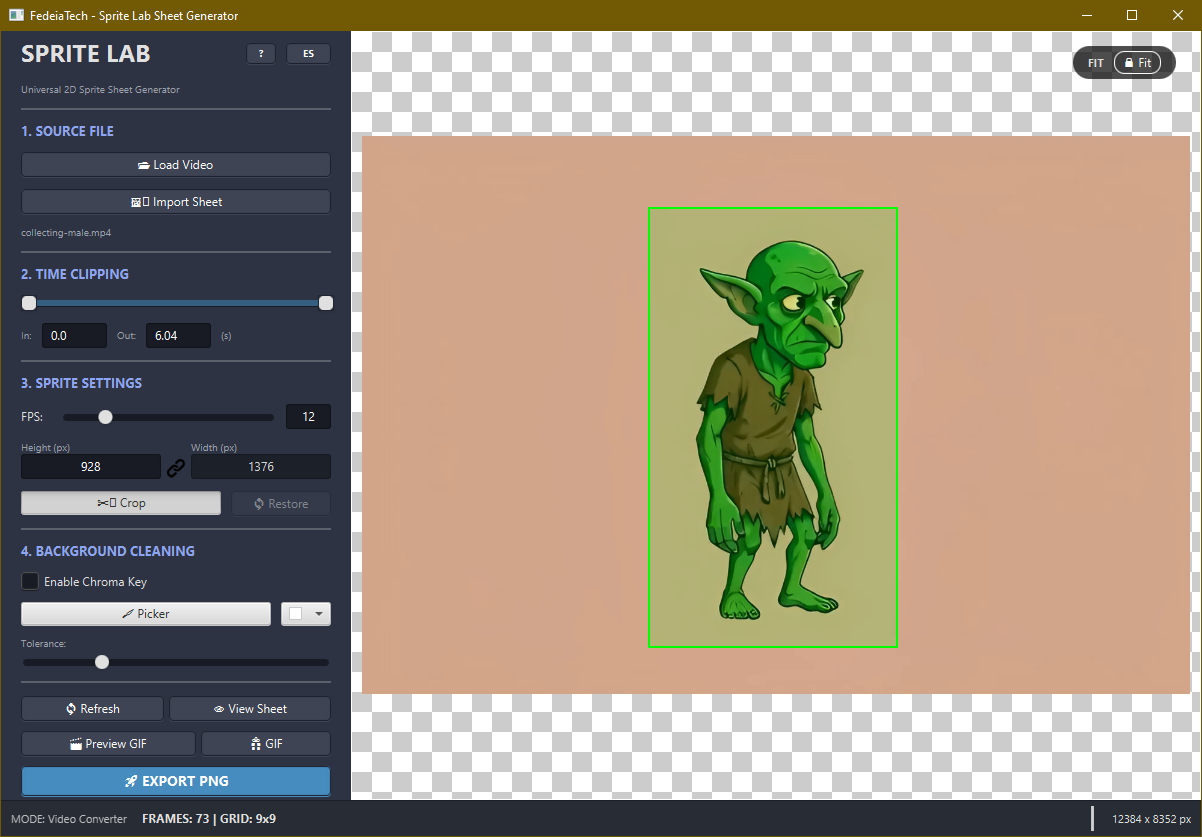
- Pixel-Perfect Manual Crop: Draw your selection directly on the viewer with 100% coordinate accuracy.
- Auto-Grid Calculation: Instant calculation of rows/columns and total resolution for your sheets.
- High-Quality GIF Export: Internal dual-pass palette generation for professional color accuracy.
- Bilingual Interface: Switch between English and Spanish instantly.
- 100% Local & Private: No cloud, no data collection. Just your machine and FFmpeg.
What's New in v0.4
This update focuses on stability and user control, making the tool ready for professional production environments.
- Process Abort System: Never get stuck again! A new emergency "X" button allows you to instantly cancel heavy exports or previews if you realize the settings are wrong. It kills the background process safely without hanging the app.
- Live Progress Tracking: Real-time feedback with a dynamic progress bar and percentage for all exports and GIF generation.
- Smart System Cleanup: We care about your storage. Sprite Lab now automatically tracks and deletes all temporary preview files when you close the app. Zero disk clutter.
- Enhanced GIF Engine: Faster previews using an optimized 32-color palette and high-speed scaling filters for near-instant results.
- Refined Task Management: Internal thread safety improvements to ensure the UI remains responsive and locks correctly during heavy processing.
Version 0.3
- High-Quality GIF Export: Added support for animated GIF export using an internal dual-pass palette generation for professional color accuracy.
- Enhanced Preview Windows: GIF and Sheet previews now feature proportional scaling and auto-centering, fitting any screen size without distortion.
- Dynamic Precision Cursors: The mouse cursor now changes to a crosshair when using the Crop or Eyedropper tools for better visual feedback.
- Visual Aspect Ratio Link: Replaced the legacy emoji with a custom high-compatibility icon for the resolution link, ensuring consistent UI across all Windows versions.
Version 0.2
- Manual Pixel-Perfect Crop: Draw your selection directly on the viewer. Our new robust coordinate mapping ensures 100% precision with no offsets.
- Bilingual Interface: Switch between English and Spanish instantly with one click.
- Open Source & Privacy: 100% Local processing. No data collection. No cloud. Just your machine and FFmpeg.
The Use Case
I built Sprite Lab because I’m a solo developer working with AI video generators (Grok/Runway/Luma) and Blender renders. These tools output MP4/AVI files, and manually extracting frames to create a balanced sprite sheet is a nightmare. This tool automates that specific workflow.
Quick Start Tutorial
- Load: Drag your video directly into the app or use the "Load Video" button.
- Trim: Use the range slider to define the start and end of your animation loop.
- Clean: Activate Chroma Key, use the Eyedropper, and adjust the tolerance.
- Export: Hit "Export PNG" and get your assets!
This tool was born to simplify the tedious process of manual frame extraction. We want to empower indie developers and artists to bring their animated visions to life faster than ever.
We need your help! This is a work in progress. Please, download it, break it, and tell us what you think! Your feedback will drive the new versions features.
Follow FedeiaTech to get notified when the new versions drops!
Source Code available on GitHub
---------------------------------
Ethical Use & Purpose
Sprite Lab was created as a productivity tool for developers and artists. It is specifically designed to streamline the workflow for:
- AI-Generated Content: Converting character videos from AI tools (like Runway or Sora) into usable game assets.
- Personal 3D Renders: Exporting sprite sheets from Blender or Maya animations.
The developer does not condone or encourage the unauthorized use of copyrighted material. Please ensure you have the rights to the content you process with this tool.
Download
Click download now to get access to the following files:
Development log
- 🛑 DEVLOG v0.4: Total Control & System Cleanup58 days ago
- Sprite Lab (v0.3) - Now on English/Spanish!66 days ago
- Sprite Lab 0.1 is now live! 🚀74 days ago
Leave a comment
Log in with itch.io to leave a comment.